
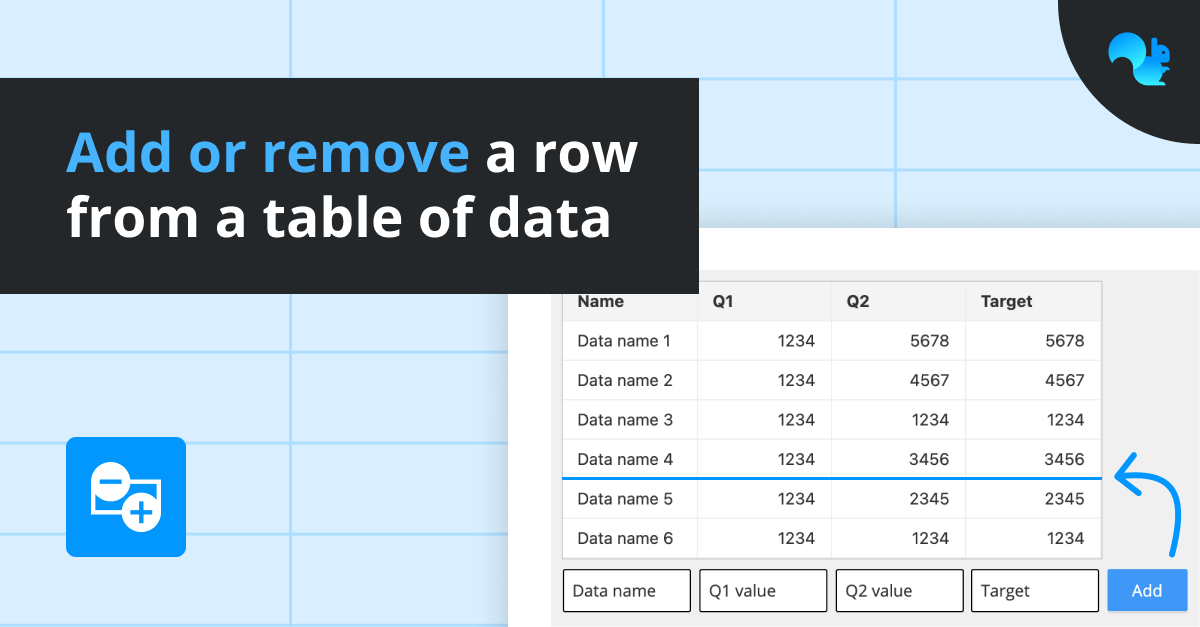
Allows you to add or remove rows of data from a range in your spreadsheet, which can trigger other actions in your project.
For example, you could use it to build up a table of selections made by a user or log actions taken in other parts of the project.
To use:
Add functionality via the Functions section of the Object Browser
Bind the Table Range where you want to add/remove rows from
Select whether to 'Insert' or 'Delete' rows
Bind the Row to insert
Select where to insert your data: at the 'Top', 'Bottom', or a 'Random Position'
Bind the 'Trigger Cell'
GET STARTED
Sign up, get building, and pay when you’re ready to launch.