Make your apps smarter without the complexity
AI is everywhere right now, but what matters is what it can actually do for you and your customers. Squirrel365 gives you three ways to bring AI into your apps, from ready-to-use chat interfaces to fully custom functionality built around your own data. Whether you're just getting started with AI or looking to do something more sophisticated, there's an option that fits.
Custom AI
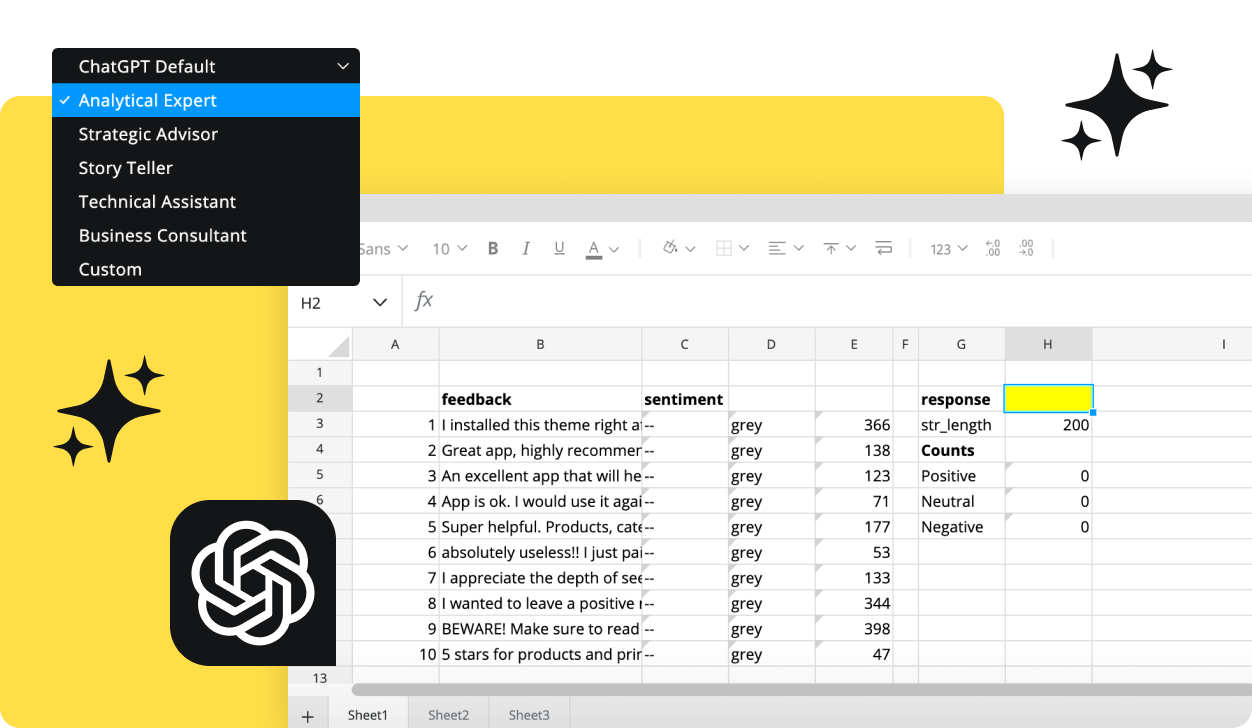
AI Builder lets you create intelligent functionality that's uniquely yours. Write your own prompt, give your AI a custom personality, and connect it to your spreadsheet logic. It responds dynamically based on what's actually happening in your app. Whether that's summarising a result, generating a recommendation, or reacting to a user input, you're in control of exactly how AI shows up.
AI CHAT
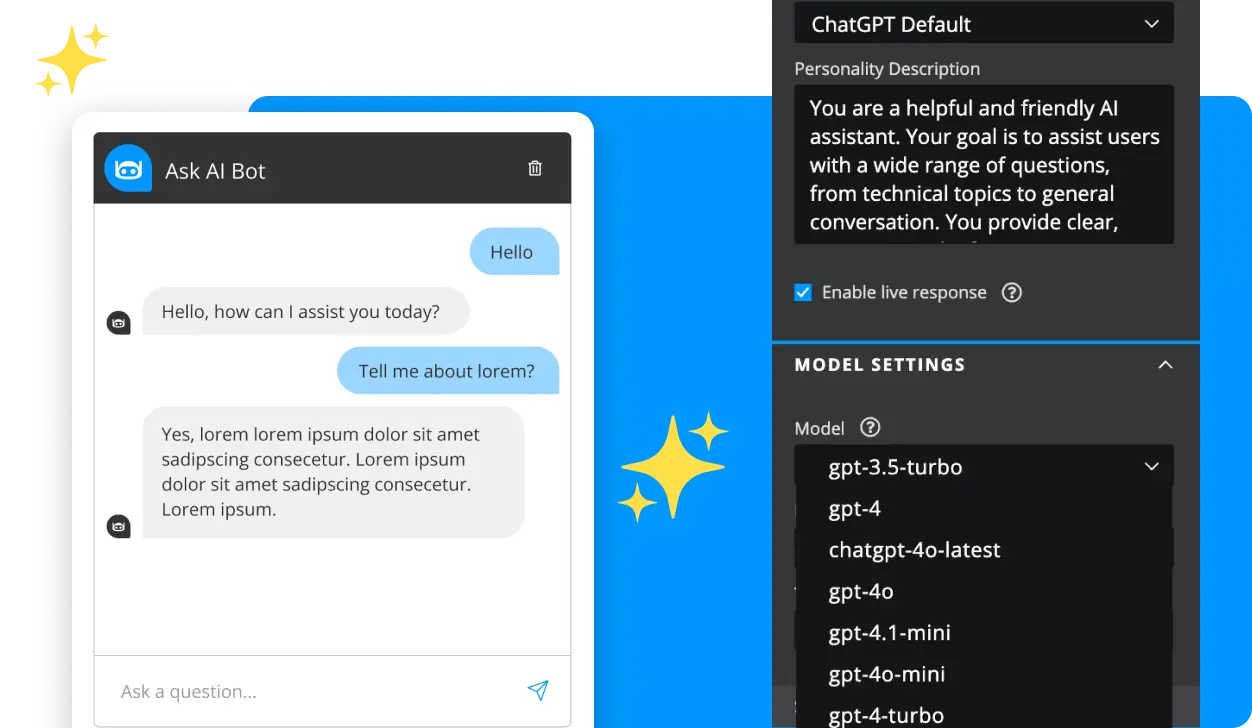
Give your customers a way to ask questions and get answers — all within the app you've built. The AI Chat component drops a fully conversational interface into your Squirrel365 app, powered by OpenAI, so you can deliver a smart, interactive experience without writing a single line of code. It's one of the most powerful components in your toolkit, and it takes minutes to set up.
ASK AI
Designed for enterprise teams, AI Query Builder makes it easy for anyone to interrogate large datasets using natural language, no SQL knowledge required. Just ask a question and get the data you need. Crucially, it's built with a privacy-first approach, so your data stays where it belongs — giving your organisation the confidence to open up insight to more people, without compromising on security.
Explore AI Query Builder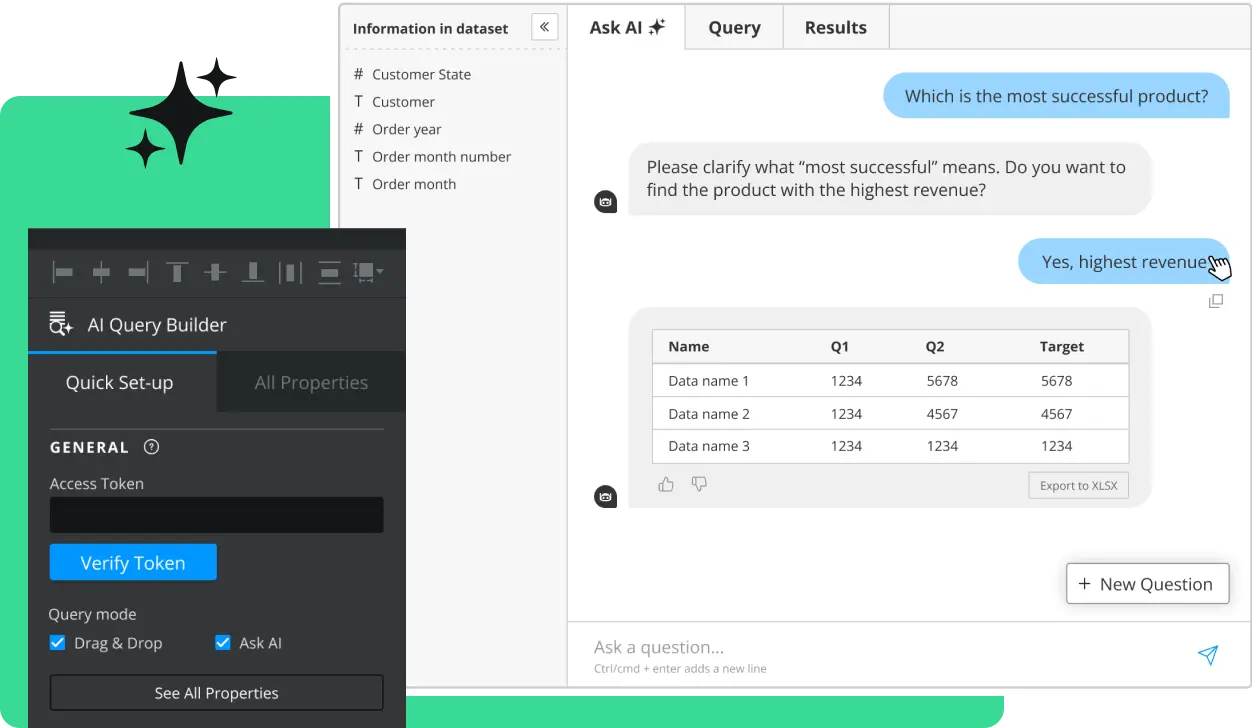
GET STARTED
Sign up, get building, and pay when you’re ready to launch.